Internationalization
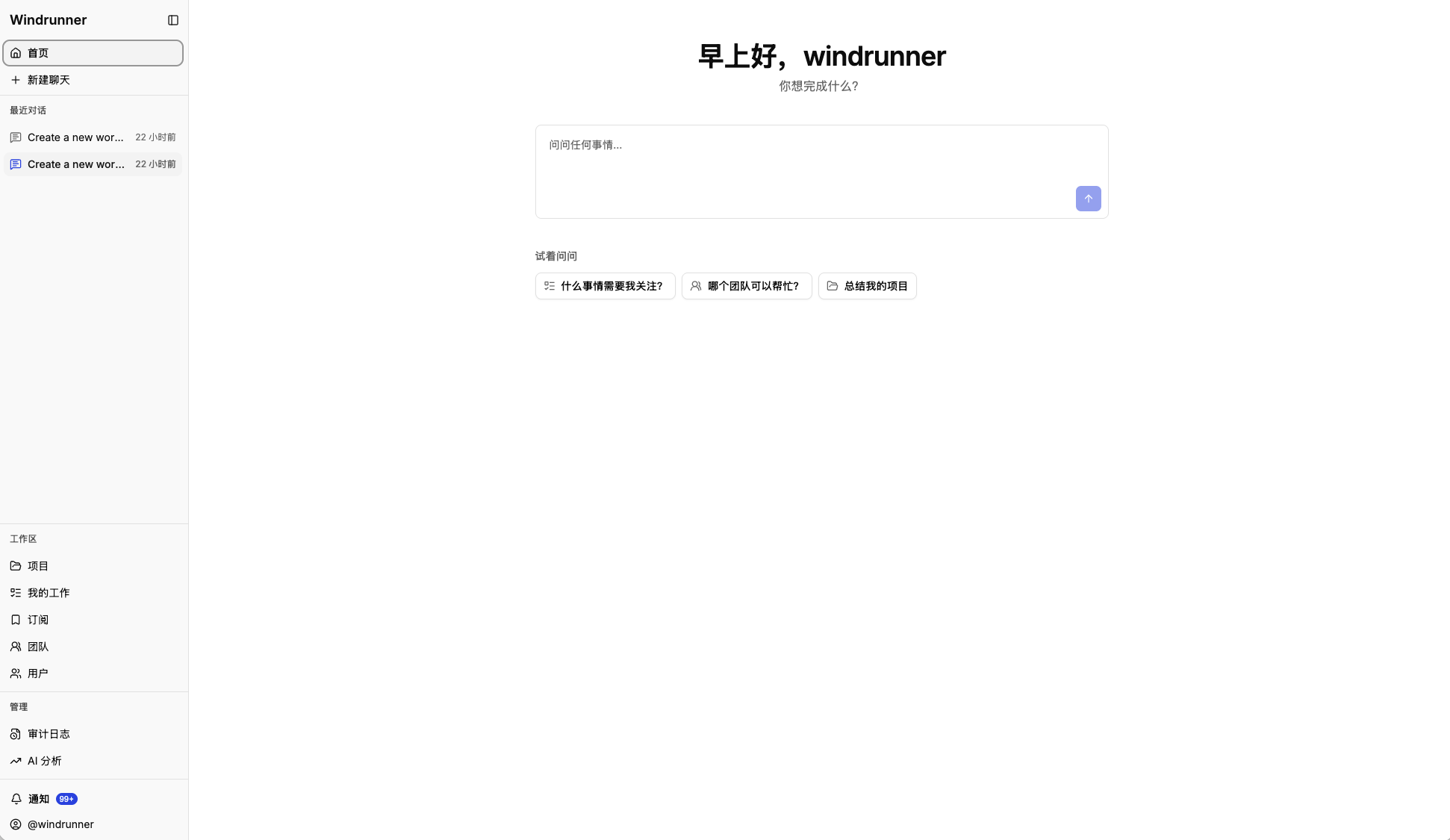
This is a developer guide for adding a web-interface language. English and Simplified Chinese are currently registered.
Windrunner currently supports two web-interface languages:
- English
- Simplified Chinese (简体中文)
Add a language
- Copy
server/web/src/i18n/locales/en.tsto a new locale file, such asserver/web/src/i18n/locales/es.ts. - Translate the values without changing the key structure.
- Import the locale and add it to
resourcesandsupportedLanguagesinserver/web/src/i18n/locales/index.ts. - Use
useTranslation()for new user-facing text.
The language selector is rendered by
server/web/src/components/LanguageSelect.tsx. The selected language is
stored in the browser and browser-language detection is used when no selection
exists.
Verify
From the repository root:
cd server/web
npm run build
Check navigation, buttons, dialogs, and layouts with longer translated text.