Users and teams
Users
User profiles can include a display name, title, bio, email, timezone, and status. Administrators can create, edit, deactivate, and reset users from the Users page.
Teams
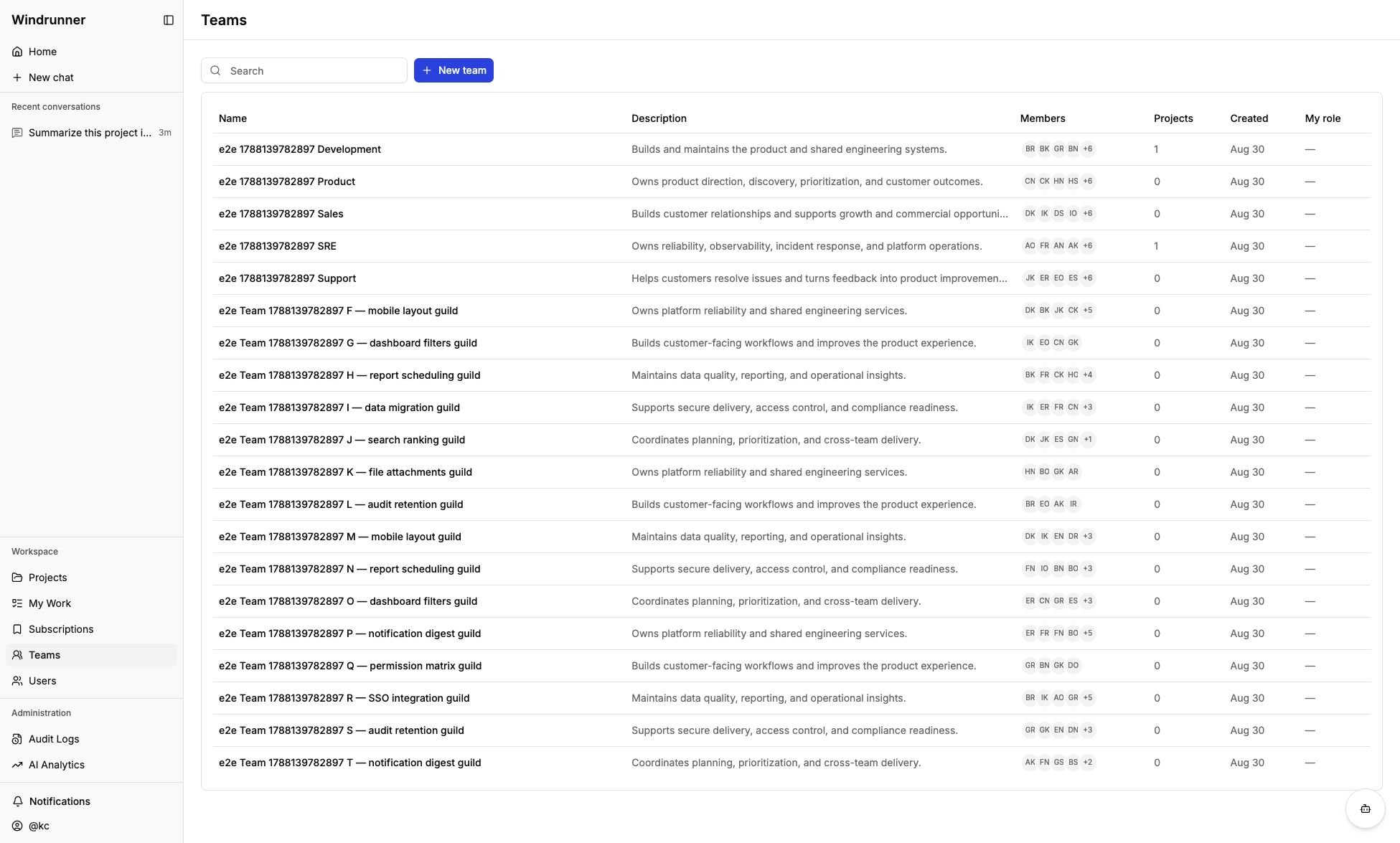
Teams have a name, description, owners, members, and linked projects. Team owners review and decide join requests. Administrators manage membership and project links. Non-superadmin users can request to join a team.
The Teams page lists member and project counts, creation dates, and your role. Open a team to manage its description, owners, members, linked projects, and join requests.
Teams and users are useful Ask AI context. For example, add a team when asking which group can help with an issue, or add a user when asking about their role and work.
Deleting a user deactivates the account and removes its memberships. Deleting a team removes its memberships and project links.