Home and Ask AI
Home is the fastest way to start. Ask a question without choosing a project; Windrunner opens the conversation in Ask AI.
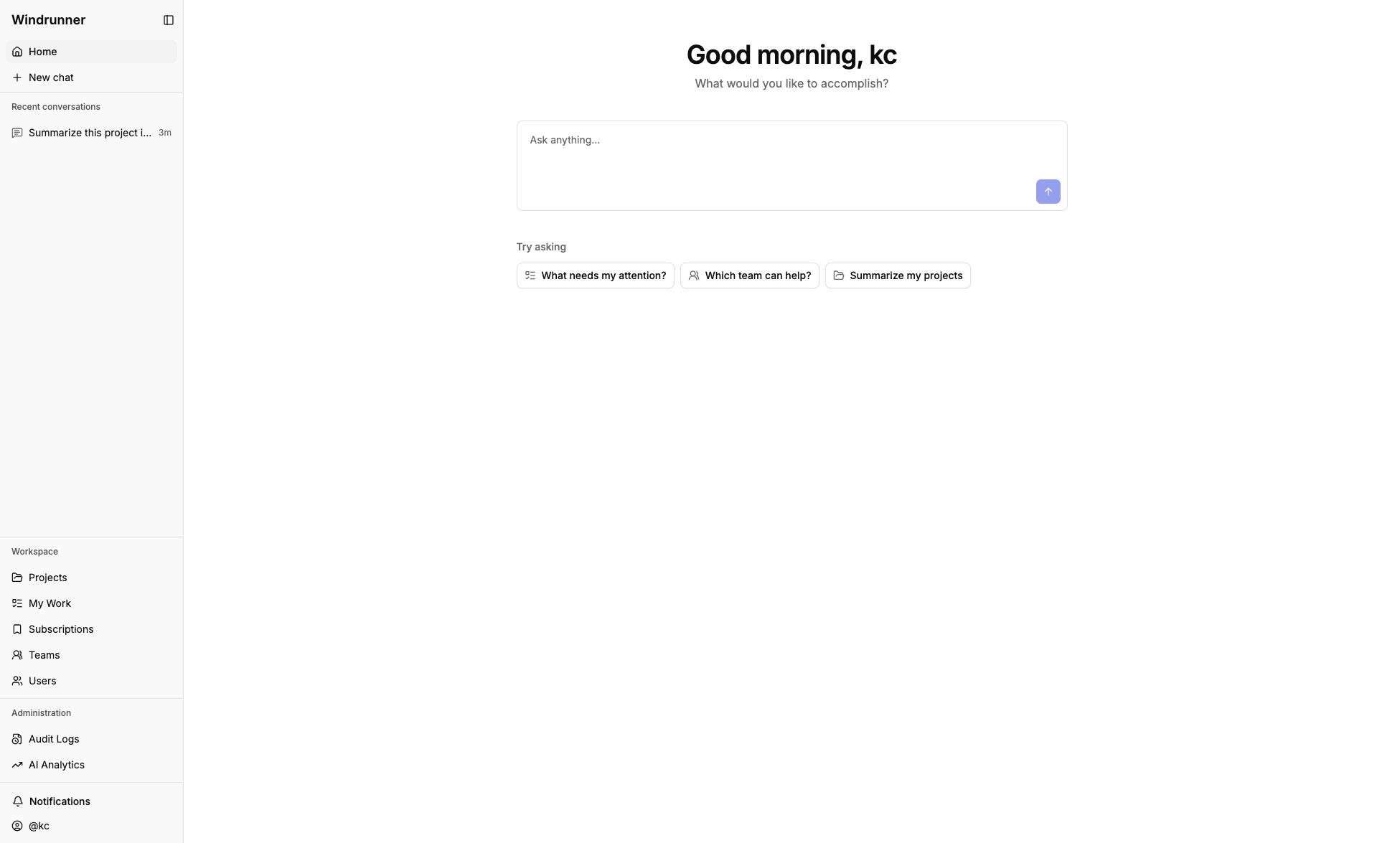
Conversations
Conversations belong to you, not to a project. The sidebar lets you:
- start or switch conversations
- rename or delete a conversation
- load older conversations
You can keep multiple active conversations. Moving between Home, projects, teams, and people does not replace the open conversation. Opening a workspace page does not create one.
Context
Add a project, team, user, or work item when a question needs a specific source. Context stays with the conversation until you remove it. Opening Ask AI from a workspace page can add that page as context.
For example, a project-aware question can summarize the work graph, identify blockers, and recommend next steps. Without a selected project, Ask AI asks which project you want to check.
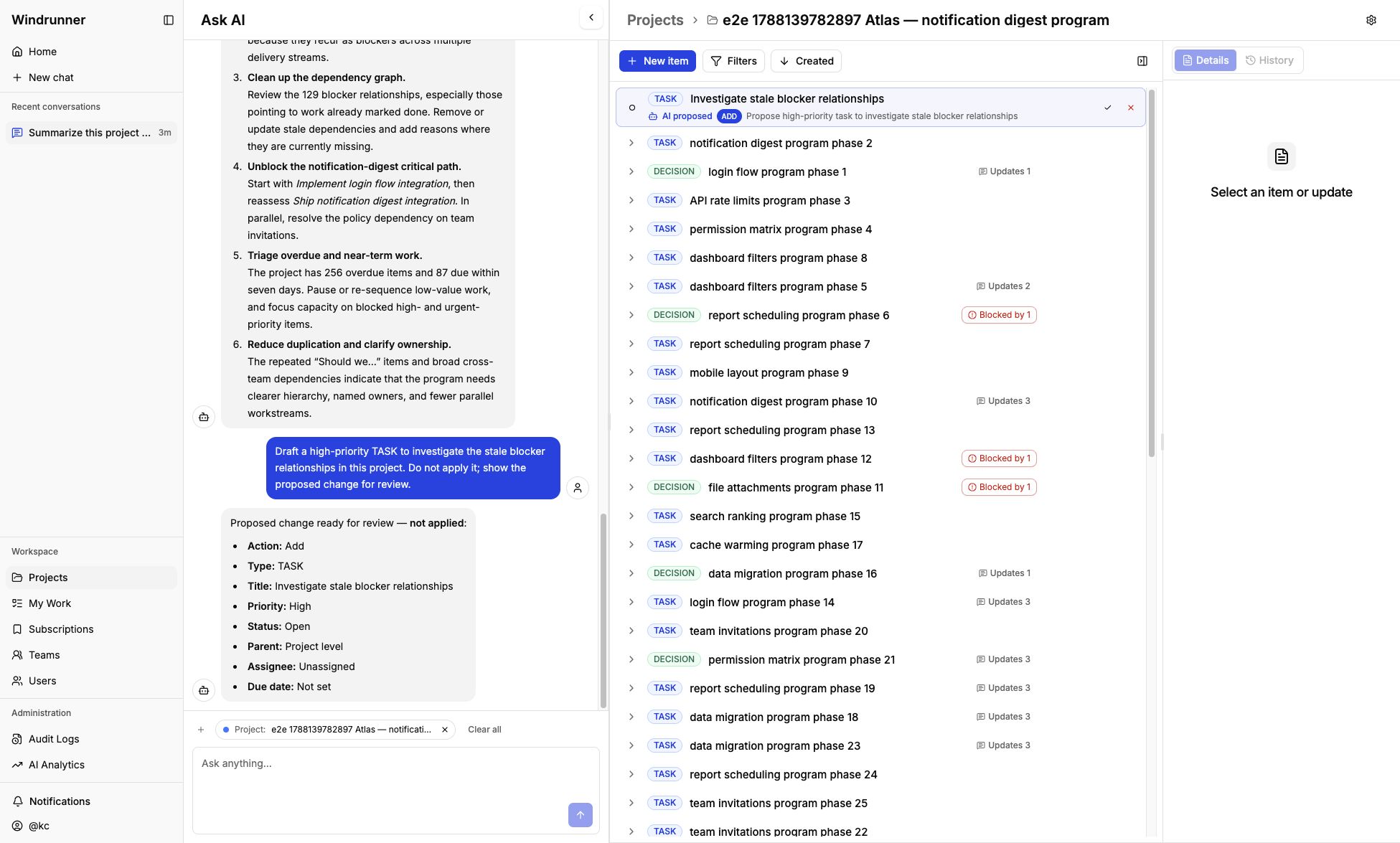
The dedicated chat view also works on its own when you want to ask a general question before choosing a project. The answer explains the kinds of work AI can inspect, organize, and prepare for review.
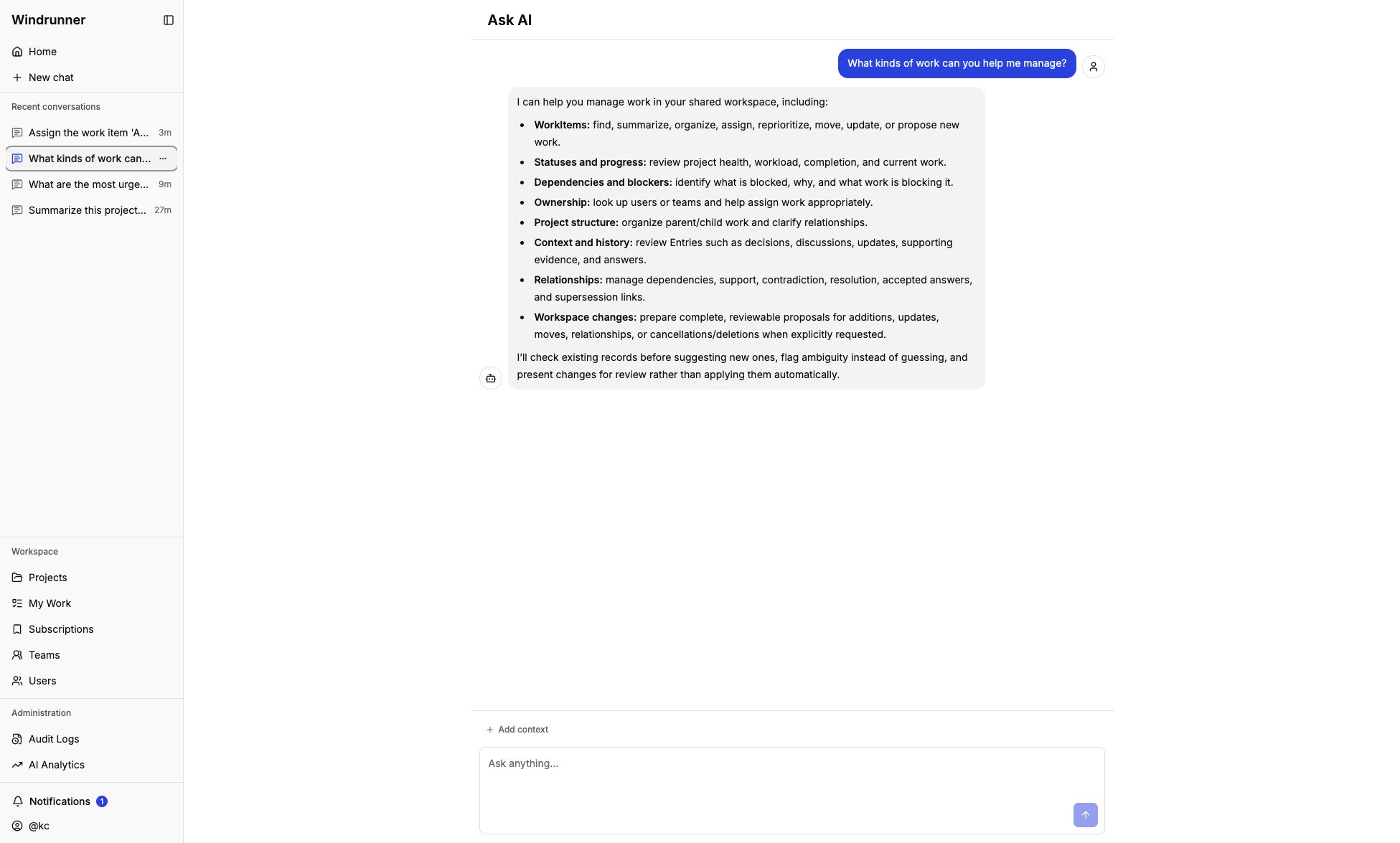
Chat beside a workspace
On supported pages, chat stays on the left and the current artifact stays on the right. The panels scroll independently. Closing chat hides it; it does not clear the conversation or its context.
For supported AI actions and reviewable changes, see Using AI assistance.