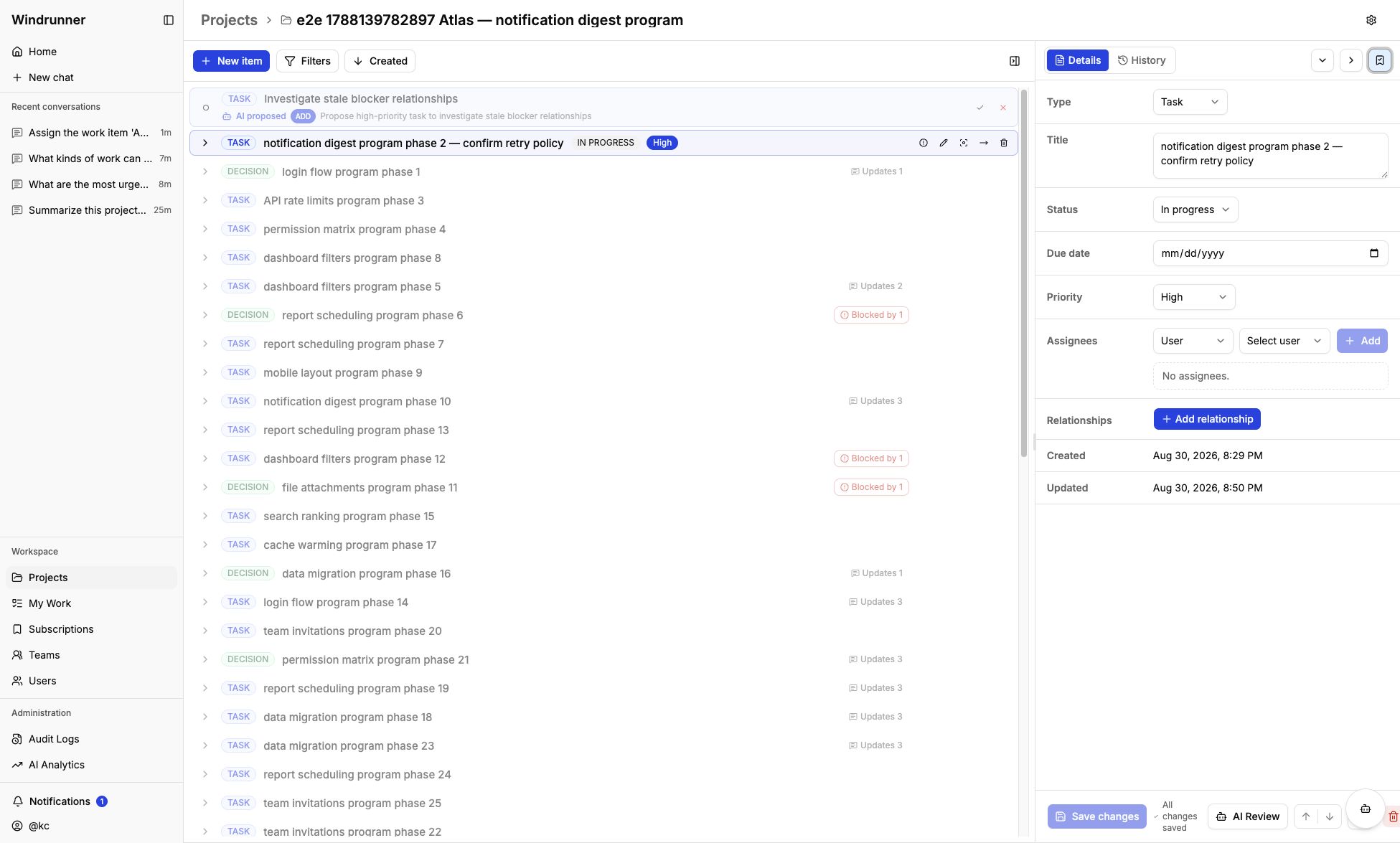
My Work and subscriptions
My Work
My Work shows items assigned directly to you or to a team you belong to, across projects you can access. Use list, grouped, or board view, then search or filter by project, status, and priority.
Subscriptions
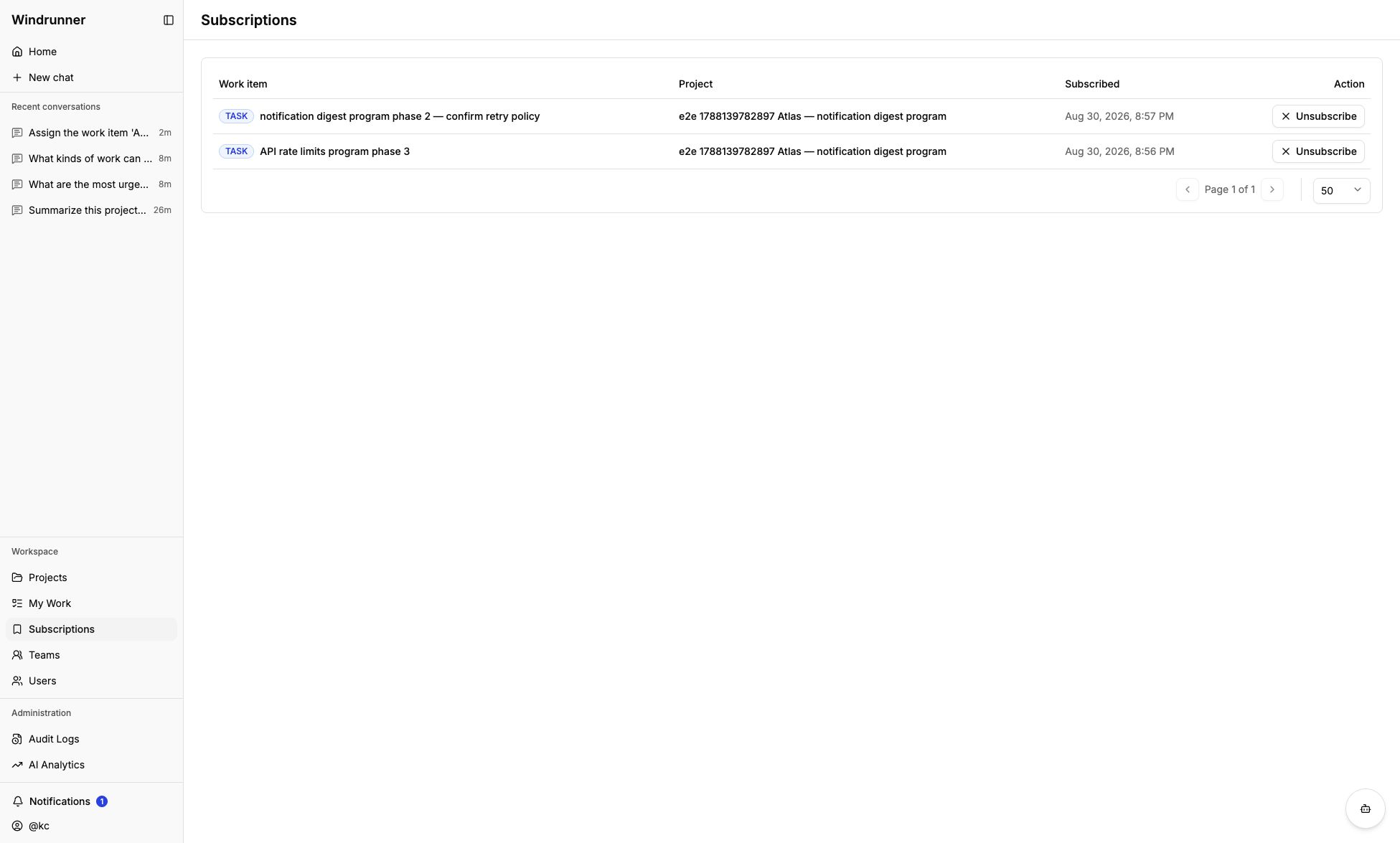
Subscribe to follow a work item without becoming its assignee. Subscribing does not change ownership. Unsubscribe from the work item workspace or the Subscriptions page.
The Subscriptions page lists every work item you follow with its project and subscription time. Use Unsubscribe there to stop receiving updates.
Notifications
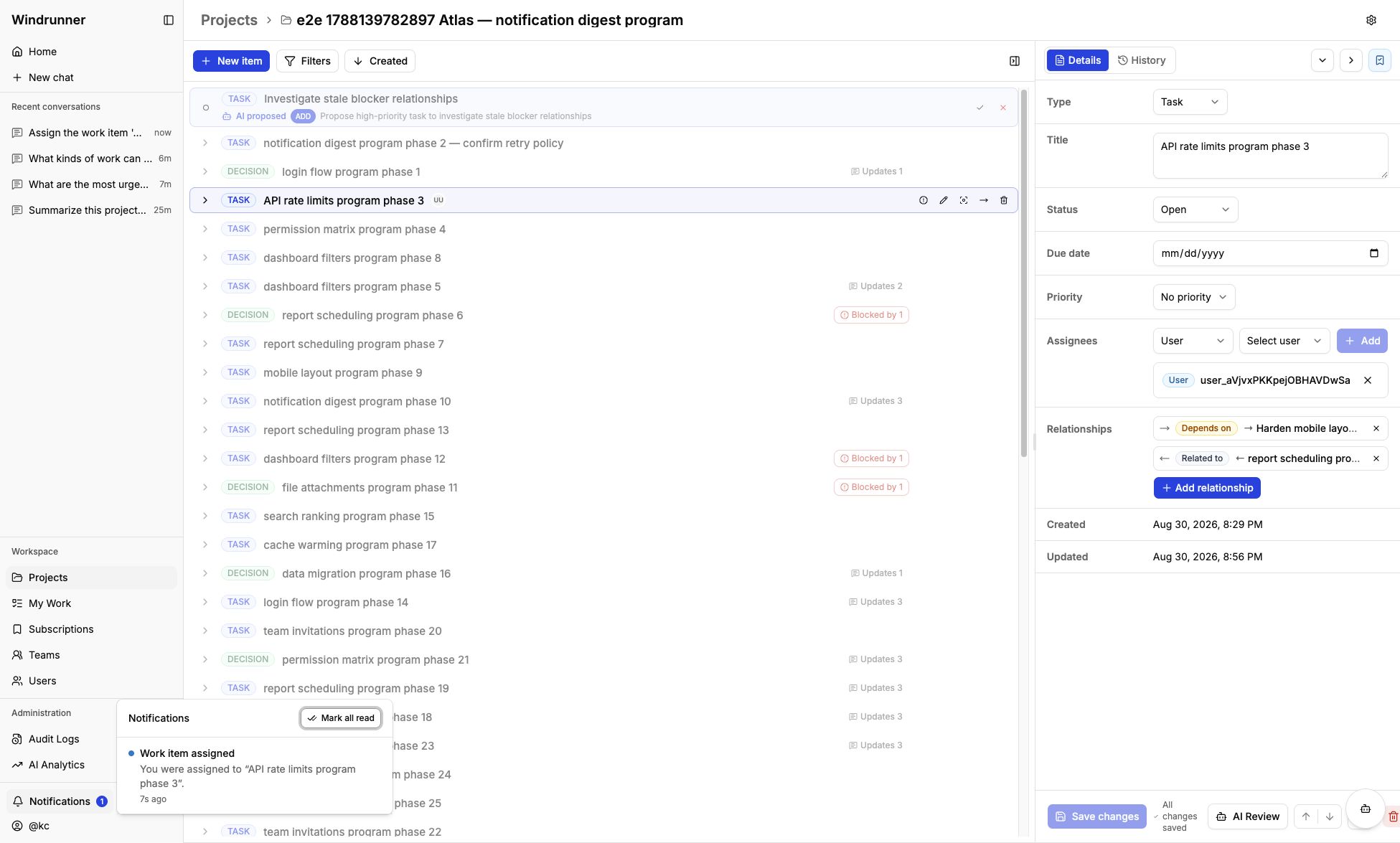
The notification center in the navigation sidebar surfaces assignment and work-item activity updates. Open a notification to mark it read and jump to its project when a project link is available, or mark all notifications read from the center.